What Is a Quad Equalizer? 4-Band Audio EQ Explained Simply (2026 Guide)
Awais
Founder & Chief Administrator
Published October 24, 2026 · Updated October 24, 2026
Ever cranked up the volume on your car stereo, only to hear bass that rattles the doors while the vocals sound like they’re coming from underwater? That frustration is exactly why equalizers exist — and a quad equalizer might be the simplest, most affordable way to fix it.
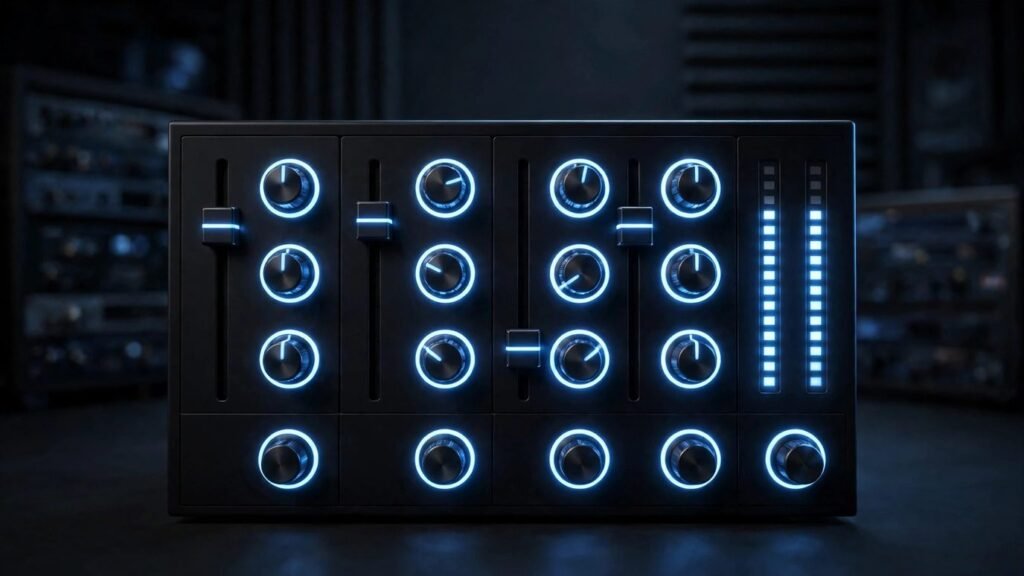
The term sounds technical, maybe even intimidating, but the concept is refreshingly straightforward. A quad equalizer gives you four knobs (or sliders) that control four different parts of the sound — from the deep thump of a kick drum to the sparkle of a cymbal. With a little understanding and about ten minutes of tuning, you can take a mediocre sound system and make it feel like a completely different setup.
In this guide, we’ll break down exactly what a quad equalizer is, how each of its four bands works, how to set one up the right way, and whether four bands are actually enough for great sound in 2026.
The short answer: A quad equalizer is a 4-band audio equalizer that lets you independently boost or cut the low, low-mid, high-mid, and treble frequencies of your sound system. It’s the sweet spot for beginners — simple enough to tune by ear in minutes, but powerful enough to fix muddy bass, harsh treble, and hollow vocals in car stereos, home audio, and live sound setups.
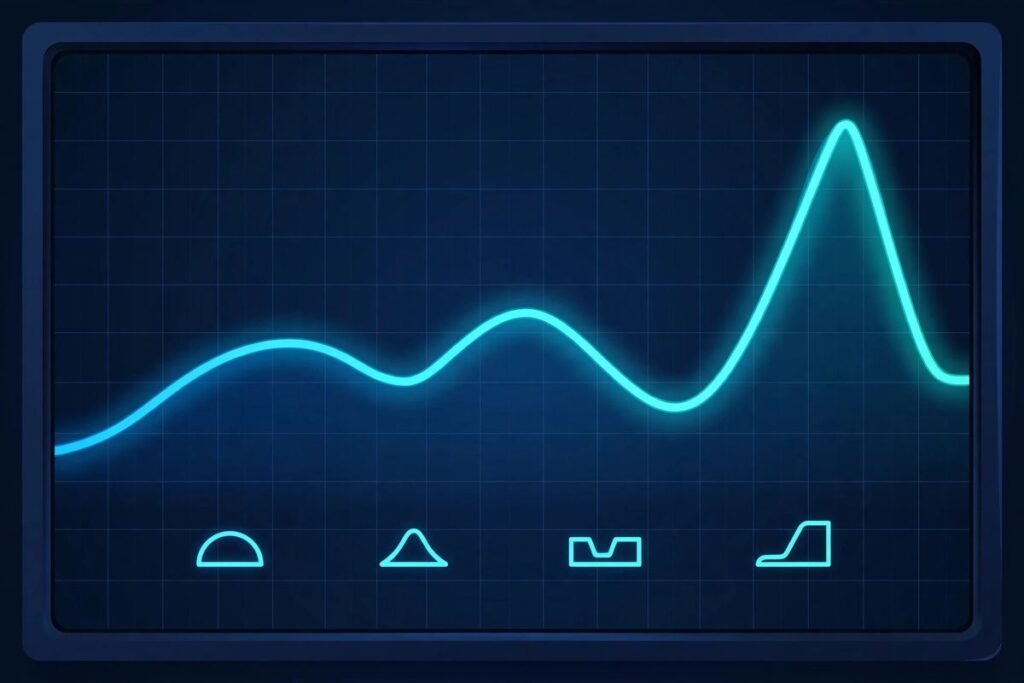
Each of the four bands controls a slice of the frequency spectrum — boost or cut to shape your sound.
What Exactly Is a Quad Equalizer?
A quad equalizer is an audio device (or a software tool inside an app or digital mixer) that splits the audible sound spectrum into four adjustable frequency bands. Each band has its own gain control — usually measured in decibels (dB) — that lets you turn that slice of the sound up or down.
Think of it like the treble and bass knobs on an old radio, except you get twice the control. Instead of two broad adjustments, you get four, which means you can fix a boomy bass problem without accidentally drowning out the vocals.
The word “quad” simply means four. In audio circles, you’ll also hear the same thing called a 4-band equalizer, and the two terms are completely interchangeable. Nobody in a car audio shop is going to look at you funny for saying either one.
Most quad equalizers show up in a few familiar places:
Car audio systems — as a standalone in-dash or half-DIN unit wired between the head unit and amplifier, or as a built-in menu on a modern head unit
Home stereos and AV receivers — as a preset or manual EQ section in the settings menu
Live sound mixers — where channel strips commonly include a 4-band EQ section per channel
Music production software — where a 4-band parametric EQ is often the default tone-shaping tool on every track
What makes it popular across all these worlds is balance: four bands hit the sweet spot between “too simple to fix anything” and “so complex you need an engineering degree.”
How Does a 4-Band Equalizer Actually Work?
To understand a quad equalizer, you need a quick grasp of how sound is organized. Every sound you hear — a bass guitar, a human voice, a snare drum — is made of vibrations at different frequencies, measured in hertz (Hz). Low frequencies sound like bass; high frequencies sound like treble. Human hearing roughly spans 20 Hz to 20,000 Hz.
A quad equalizer divides that entire range into four sections, or bands. Each band is centered on a particular frequency, and the control for that band boosts (makes louder) or cuts (makes quieter) the frequencies around that center point. The amount of boost or cut is expressed in decibels — typically up to plus or minus 12 to 18 dB on a car audio unit.
Here is the part most beginners miss: the four bands are control regions, not four sealed boxes. They overlap. Turning up the bass band will also gently lift some of the upper bass and lower midrange around it. Good equalizer designs overlap the bands on purpose, so you get smooth, musical transitions instead of weird holes or spikes in the sound.
On a graphic-style quad EQ, each band is fixed to one center frequency and you simply raise or lower its slider. On a parametric-style unit, you get three controls per band: gain (how much boost or cut), frequency (which center point you’re adjusting), and Q factor (how wide or narrow the adjustment is). That extra control is a big deal, and we’ll dig into it below.
What Do the Four Bands Actually Control?
Although the exact center frequencies vary from one product to another, the four bands on a quad equalizer almost always follow the same general layout. Here’s what each one does in plain language.
Low / Sub-Bass: The Foundation
The lowest band handles the deep end — the frequencies that you feel in your chest as much as you hear. Kick drums, bass guitars, low synth notes, and the rumble of a movie explosion all live down here.
Boosting this band adds weight, punch, and physical impact. Cutting it removes muddiness, the droning hum of a car at highway speed, or that boomy “one-note bass” effect where every low note sounds the same. This is the band beginners reach for first — and the one they most often overdo.
Low-Mid: Warmth and Body
The second band covers the lower midrange — the warmth and body of most instruments and voices. Acoustic guitars, pianos, and the lower register of a male voice sit in this region.
This is the trouble zone. Too much low-mid energy is what makes a system sound “boxy” or “muddy,” like the music is playing inside a cardboard box. A small cut here often clears up a muddy system far more effectively than cranking the bass, because it removes the congestion that’s masking the real low end. If your system sounds thick and congested rather than thin, this is the band to touch first.
High-Mid: Presence and Clarity
The third band is all about presence — the region where vocals cut through, guitars bite, and instruments gain definition. Female vocals, electric guitar solos, snare drums, and the “attack” of a piano all carry their energy here.
A gentle boost can make vocals pop out of the mix and add life to a dull-sounding system. But this is also where harshness lives. If horns, cymbals, or female vocals make you wince at high volume, a small cut in the high-mids usually tames it. Car interiors in particular tend to exaggerate this region, thanks to all the hard reflective surfaces.
Treble: Detail and Air
The top band controls the highest frequencies — cymbal shimmer, the crispness of consonants in vocals, the “air” that makes a recording feel spacious and alive.
Boosting treble adds detail and brightness; cutting it tames hiss, sibilance (those sharp “s” and “t” sounds), and the fatigue that makes long listening sessions unpleasant. Many people with older ears instinctively reach for the treble control first, since high-frequency hearing is usually the first thing to fade with age.
What Is the Difference Between a Graphic and a Parametric Quad Equalizer?
Not all quad equalizers work the same way. The two main flavors — graphic and parametric — look and feel very different, even though both give you four bands.
A graphic quad equalizer is the simpler type. It has four sliders (or knobs), one per band, each locked to a fixed center frequency. You slide one up to boost or down to cut. That’s it. The name comes from the fact that the physical positions of the sliders draw a little “graph” of your frequency curve. This is the kind you typically see in car audio dash units — simple, visual, and very forgiving.
A parametric quad equalizer is the more surgical tool. Each band gives you three controls instead of one:
Gain — how much you boost or cut (in dB)
Frequency — the exact center point of the adjustment, which you can move around
Q factor — the width of the adjustment, from a wide gentle slope to a narrow precise notch
The Q factor deserves a moment, because it’s the secret weapon of parametric EQs. A wide Q affects a broad range of frequencies — great for general tone shaping, like “make everything warmer.” A narrow Q targets a tiny slice — great for fixing a specific problem, like a single ringing frequency in a car door panel, without touching anything else.
Which should you choose? If you just want to make your car stereo sound good, a graphic quad EQ is plenty. If you’re mixing music, tuning a live sound system, or chasing a specific sonic problem, parametric control earns its keep quickly.
How Is a Quad Equalizer Different From a 5, 7, or 10-Band Equalizer?
This is the question that stops most buyers in their tracks: is four bands enough, or should you go for more? The honest answer is that it depends on what you’re trying to fix — and how much fiddling you’re willing to do.
Feature
Quad (4-Band) EQ
5 to 7-Band EQ
10+ Band EQ
Control precision
Broad, musical adjustments
Broad, musical adjustments
Very fine control
Ease of use
Very easy — tune by ear in minutes
Still manageable
Can feel overwhelming
Typical use
Car audio, home stereo, basic mixing
Car audio upgrades, home theater
Pro audio, PA systems, serious mixing
Risk of making it worse
Low
Moderate
Higher for beginners
Typical cost range
Budget-friendly
Mid-range
Mid to high
More bands don’t automatically mean better sound. In fact, for a casual listener, a 10-band equalizer often causes more problems than it solves: with that many sliders, it’s easy to create a jagged, unnatural curve full of peaks and dips that sounds worse than doing nothing at all.
Four bands, on the other hand, are hard to mess up badly. The adjustments stay broad and musical, which is exactly what most car and home systems need. The main limitation is precision — if you have a specific problem frequency (say, a harsh resonance at exactly 3 kHz), a quad EQ’s broad bands can’t surgically remove it without affecting neighboring frequencies too. For that, you want parametric control or more bands.
The practical rule of thumb: if your goal is “make my system sound good,” four bands are enough. If your goal is “fix this one specific annoying frequency,” look at parametric EQ or a higher band count.
Where Are Quad Equalizers Used Most?
The quad equalizer shows up in more places than most people realize. Here are the big four.
Car Audio
This is the quad EQ’s natural habitat. Car interiors are acoustically hostile — road noise, engine drone, glass reflections, and speakers mounted at odd angles all fight against clean sound. A 4-band car audio equalizer, often with subwoofer level control and fader built in, is one of the most popular upgrades for exactly that reason. You can dial out highway drone, add bass that disappears at speed, and tame harsh reflections off the windshield, all from the driver’s seat.
Home Stereos and AV Receivers
Many modern receivers and smart speakers include a 4-band EQ in their settings, sometimes dressed up as a simple bass/mid/treble interface. Living rooms have their own problems — bare walls that echo, furniture that soaks up treble, speakers crammed into corners that boom. A quad EQ lets you compensate without touching a single cable.
Live Sound and PA Systems
On a mixing console, each channel strip usually includes a simple 4-band EQ section. The sound engineer uses it to shape each instrument or vocal: roll mud off a vocal mic, add bite to a guitar, tame the boom of a kick drum. In a live setting, speed matters more than precision, and four knobs you can grab in the dark beat a menu page every time.
Music Production
Inside recording software (DAWs), a 4-band parametric EQ is often the default insert on every track. Producers use it for the same jobs — carving space between instruments so they don’t fight, brightening a dull vocal, tightening a flabby bass line. The principles are identical to the hardware versions; only the interface is different.
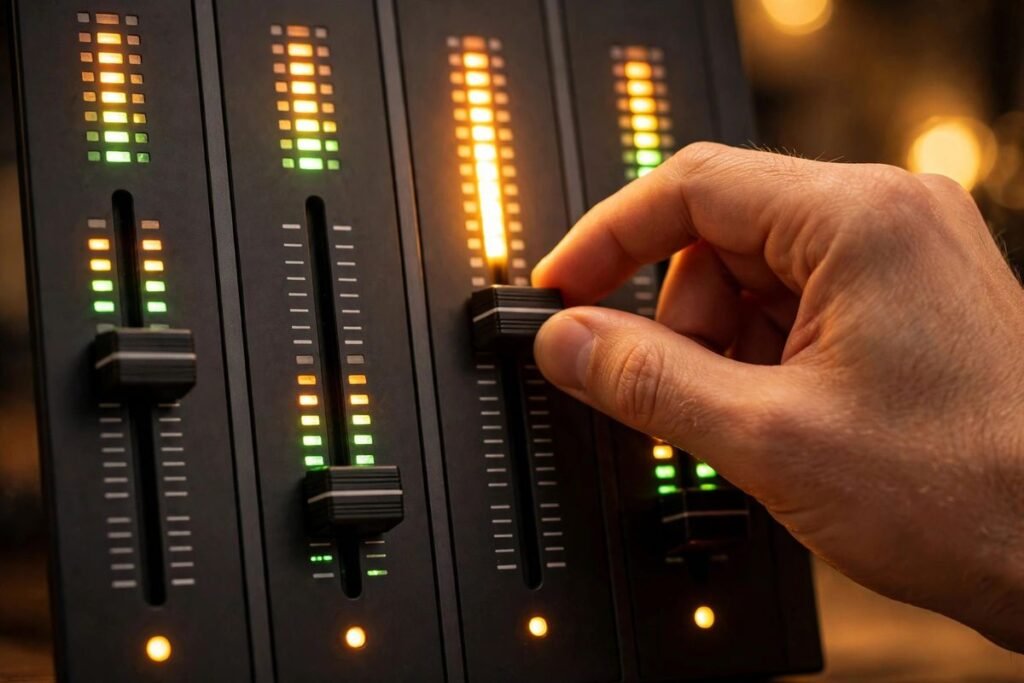
Small, careful moves are the secret to tuning a quad equalizer by ear.
How Do You Set Up and Tune a Quad Equalizer?
Tuning a quad equalizer by ear is easier than the internet makes it sound. You don’t need a microphone, an app, or an acoustics degree. You need a familiar song and about ten minutes.
Start flat. Set every band to 0 dB — no boost, no cut. This is your reference point. If you can’t make the system sound good from flat, you’ll never know whether your adjustments are helping.
Pick a reference track. Use a song you know extremely well, ideally one with a full mix — deep bass, clear vocals, crisp highs. Familiarity is the whole point: you’re listening for what’s different from how the song should sound.
Turn it up to normal listening level. EQ at the volume you actually listen at. Car cabins especially change character with volume, so tuning at a whisper and then blasting it later defeats the purpose.
Fix problems before adding flavor. Listen for what’s wrong: muddiness, harshness, thinness, boom. Cut the offending band slightly before boosting anything. Cutting first is the single biggest habit that separates good tuning from amateur hour.
Adjust one band at a time. Move one control, listen for a few seconds, then move on. Changing everything at once makes it impossible to know what actually helped.
Use small moves. A change of 2–3 dB is clearly audible. Anything beyond 6 dB in either direction on a broad band should make you pause and ask whether you’re treating the symptom instead of the disease.
Check with a second song. Once you like the sound, play something completely different — a different genre, a different vocalist. If your settings only work for one song, back them off toward flat.
One more piece of advice that experienced tuners repeat like a mantra: cut, don’t boost. Boosting eats into your system’s headroom and can push amplifiers into distortion. Cutting a problem frequency achieves nearly the same perceived result with none of the risk. If you find yourself boosting everything, reset to flat and start over.
What Settings Should You Start With?
There is no universal “best” setting — every car, room, and speaker set is different. But starting points exist, and they save you from staring at four knobs with no idea where to begin. The table below gives conservative starting points by music type. Treat these as launch pads, then adjust to your ears.
Music style
Low
Low-Mid
High-Mid
Treble
Rock / Pop
+2 dB
0 dB
+1 dB
+2 dB
Hip-Hop / R&B
+3 dB
−1 dB
0 dB
+1 dB
Classical / Jazz
0 dB
+1 dB
+1 dB
+2 dB
Podcasts / Talk
−2 dB
+1 dB
+2 dB
0 dB
EDM / Electronic
+3 dB
0 dB
−1 dB
+2 dB
A few things to notice. Hip-hop and EDM push the low end but pull back the low-mids — that’s the anti-mud move we talked about. Podcasts cut bass and lift the mids, because speech clarity lives in the midrange and nobody needs chest-thumping bass on a talk show. Classical stays near flat, because the recording engineer already balanced it in a good room.
The real takeaway: none of these exceed 3 dB of adjustment. Small moves, big results. If a preset demands extreme settings, the problem is probably speaker placement, a blown speaker, or a source issue that EQ can’t fix.
What Are the Most Common Mistakes Beginners Make?
Almost everyone makes the same handful of errors when they first get their hands on an equalizer. Knowing them in advance saves you from the classic “I made it sound worse” spiral.
The smiley face. Boosting bass and treble while scooping the mids makes the sliders form a smile shape — and it sounds exciting for about five minutes. Then vocals disappear, everything sounds hollow, and ear fatigue sets in. The smiley curve is the junk food of EQ: tempting, briefly fun, ultimately regrettable.
Boosting instead of cutting. As mentioned above, beginners boost; experienced listeners cut. If the bass is weak because the low-mids are masking it, cutting the low-mids reveals the bass that was already there — no headroom lost, no distortion risk.
Tuning with unfamiliar music. If you don’t know what the song is supposed to sound like, you have no reference. You’ll end up “fixing” the recording instead of your system.
Chasing one bad recording. If a single song sounds terrible but everything else sounds fine, the song is the problem — not your EQ. Don’t re-tune your whole system for one poorly mixed track.
Ignoring the source. A quad equalizer can polish sound, but it can’t create detail that isn’t there. A low-quality stream through great EQ still sounds like a low-quality stream. Sometimes the upgrade that matters is the source, not the tuning.
Forgetting to reset. After a long tuning session, ears get tired and judgment drifts. Every so often, flip everything back to flat and compare. You might be surprised how often flat wins.
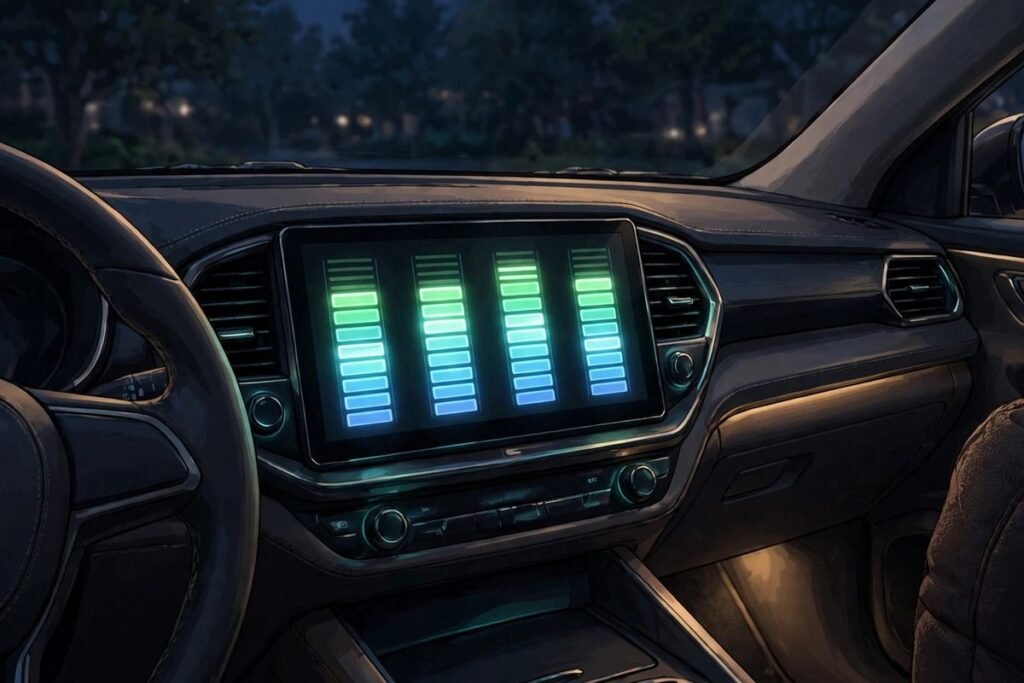
Quad equalizers are a popular, affordable upgrade for car stereos and home audio setups.
Do You Even Need a Quad Equalizer in 2026?
It’s a fair question. Modern head units, soundbars, and streaming apps increasingly ship with automatic room correction, preset sound modes, and even AI-driven tuning. Does a humble 4-band EQ still earn its place?
For most people, yes — and the reason is control. Automatic systems make educated guesses about what sounds good; a quad equalizer lets you decide. Presets like “Rock” or “Jazz” are one-size-fits-all curves designed for average systems in average rooms. Your car is not average. Your living room is not average. Your hearing is not average.
There’s also the simplicity argument. A quad EQ has four controls and no menus, no firmware updates, no app to pair, no account to create. It works in a 20-year-old car with an aftermarket dash unit just as well as it works in a modern setup. That kind of timeless utility is rare in consumer tech.
That said, know when to skip it. If your system already sounds good to you, an equalizer is a solution looking for a problem. If your speakers are damaged, poorly installed, or wildly mismatched to your amplifier, EQ is a bandage on a broken bone — fix the hardware first. And if you find yourself craving surgical precision — notching out specific resonances, shaping individual instruments — you’re ready to graduate to a parametric EQ with more bands or a digital signal processor.
For everyone else, the quad equalizer remains what it has always been: the fastest, cheapest, most forgiving way to make a sound system truly yours.
If you’re into everyday tech explainers like this one, you’ll find plenty more over on 9Bio. And if your tuning experiments inspire a proper listening-room project, home-focused sites like Home Water Insights have ideas worth browsing.
Final Thoughts
A quad equalizer is one of those rare pieces of audio gear that does exactly what it promises, nothing more and nothing less. Four bands, four controls, and enough power to transform how your music sounds — without the learning curve of professional mixing tools.
Remember the essentials: start flat, cut before you boost, keep your moves small, and trust a song you know by heart. The four bands — low, low-mid, high-mid, and treble — each solve a different class of problem, and once you learn which is which, tuning stops feeling like guesswork and starts feeling like a skill.
Whether you’re fighting highway drone in your car, taming a boomy living room, or just curious what those sliders actually do, four bands are more than enough to hear the difference. Your ears will thank you.
Frequently Asked Questions: Quad Equalizer
Is a quad equalizer the same as a 4-band equalizer?
Yes, completely. “Quad” is just a shorter way of saying “four.” Manufacturers, car audio shops, and mixing engineers use the two terms interchangeably, so if you see a product labeled either way, you’re looking at the same thing: an equalizer with four adjustable frequency bands.
Which equalizer band controls vocals?
Vocals live mostly in the midrange, spanning the low-mid and high-mid bands. Male vocals lean toward the low-mid band, female vocals toward the high-mid. If voices sound muddy or buried, try a small cut in the low-mids; if they sound distant or dull, a gentle boost in the high-mids usually brings them forward.
Can a quad equalizer improve bass in my car?
Yes, but with a caveat. A quad EQ can shape and clean up the bass you already have — removing boom, adding punch, balancing it against the rest of the music. What it cannot do is create deep bass your speakers physically can’t produce. If your factory speakers roll off hard below 80 Hz, no amount of EQ boost will conjure true sub-bass; that’s a subwoofer’s job.
What’s the difference between an equalizer and a crossover?
An equalizer adjusts the tone — how loud each frequency range is. A crossover decides which frequencies go to which speaker — sending bass to the subwoofer and treble to the tweeters, for example. They solve different problems and are often used together: the crossover routes the sound, and the equalizer polishes it.
Do I need an amplifier to use a quad equalizer?
Not necessarily. Many in-dash quad equalizers are designed to work with a factory or aftermarket head unit and can feed either an external amplifier or, in some setups, work within the head unit’s own power. That said, heavy bass boosting demands real power, so an EQ paired with a decent amplifier will always outperform one trying to squeeze more from an underpowered head unit.
Will a quad equalizer work with my factory car stereo?
In most cases, yes. Standalone quad equalizers are designed to sit between the head unit and the amplifier (or speakers), and many include the RCA inputs and outputs, gain controls, and fader functions needed to integrate with a factory system. Installation difficulty varies by vehicle, so if you’re not comfortable with car wiring, a professional installer is money well spent.
Is a 4-band EQ enough, or should I get more bands?
For making a car or home system sound good, four bands are genuinely enough — and they’re more forgiving for beginners than 7 or 10-band units. More bands buy you precision for fixing specific problem frequencies, not automatically better sound. Start with four; upgrade only if you hit a problem that four broad bands can’t solve.
Awais is the founder, chief administrator, and lead science curator of Astronomy 101 (astronomy101.co.uk). Dedicated to making space science and astronomical observing accessible to learners worldwide, Awais oversees the research, computational tools, and editorial integrity of all publications across the platform.
Explore This Topic
Technology Hub
Dive into our complete collection of tutorials, observations, and deep dives for this subject.



1 Comment